![5-1.png]](https://hart.com/hs-fs/hubfs/5-1.png?height=50&name=5-1.png)
Register for a HartID
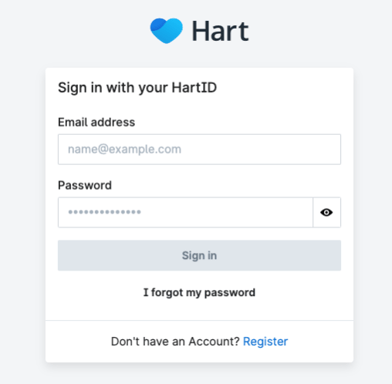
Once Hart's data migration and archival process has been successfully completed, you will receive an email inviting you to register for an account at compass.hart.com.
As a new user, simply click on the 'Register' button to provide your information and set up your account, which will create your unique HartID.
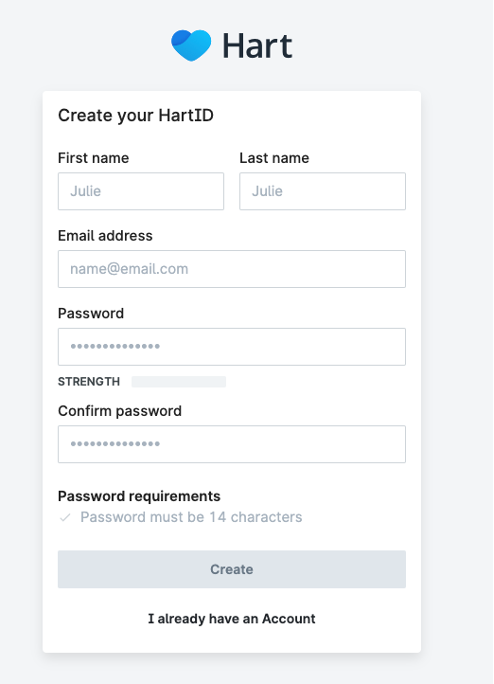
To register, provide the necessary details about your health facility, including your name and email address. Once you've filled out all the required fields, click 'Create' to finalize the registration process and establish your new account.
Log-in for the First Time
After completing the registration, you will be redirected to the Compass login page. Here, you can sign in using the email and password you provided during registration. This will grant you access to the archived patient records for your facility.